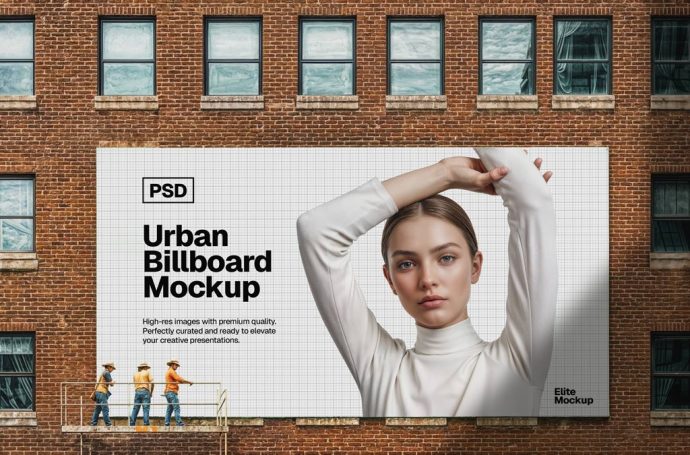
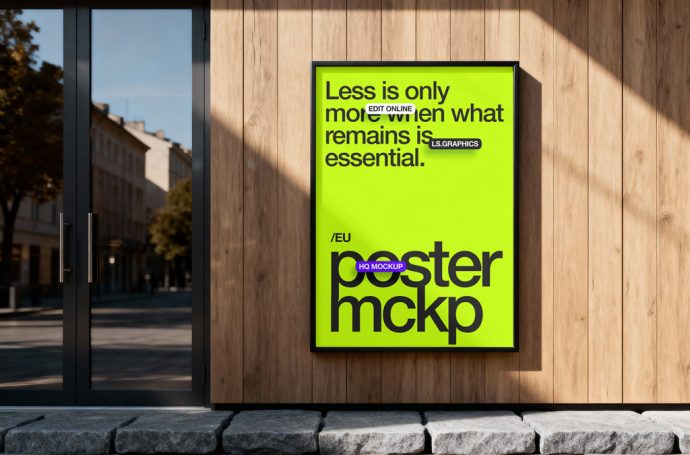
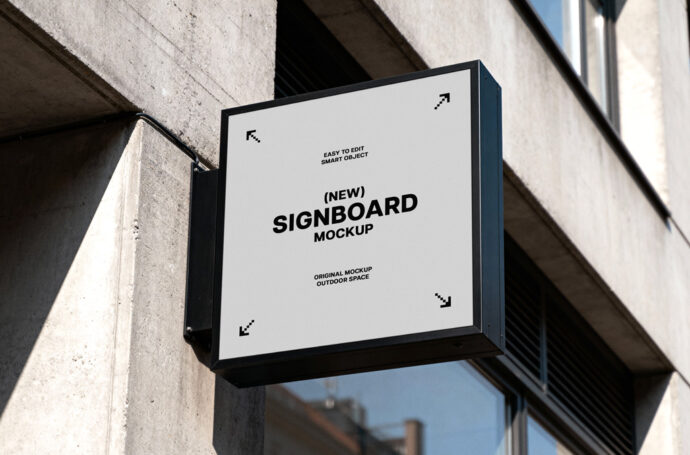
A collection of free mockups featuring walls: Picture frames, posters, signs, and billboards on building walls!
An urban billboard mockup showing a huge, horizontal billboard hanging on an old brick wall. Simply drag and drop your own design into the PSD file’s smart layer – voilà!…
A free billboard mockup showing a poster in a vertical black frame hanging on the wooden wall of a house. Simply drag and drop your own poster design into the…
A photo-based mockup of an 24″ iMac standing on a concrete floor. Organized PSD file with one smart layer for replacing the display content. There are also several color layers…
A photo-based mockup of a square shop sign mounted to a concrete building wall. Simply drag and drop your own logo into the PSD file’s smart layer. The dimensions are…
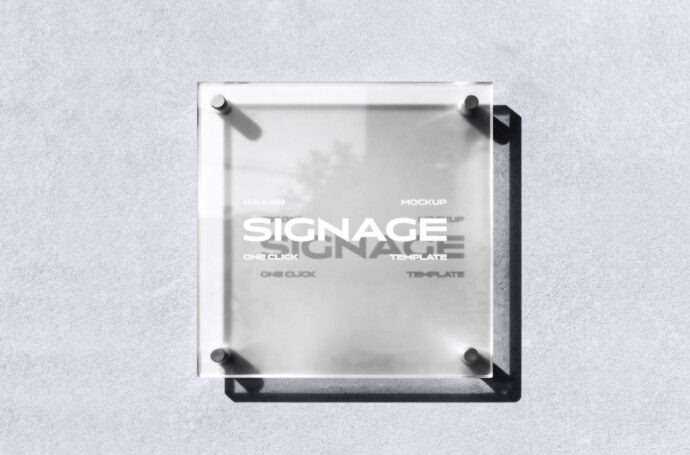
A mockup of a square glass door sign mounted to a wall. Layered PSD file that lets you customize the branding (smart object) as well as the sign and wall…
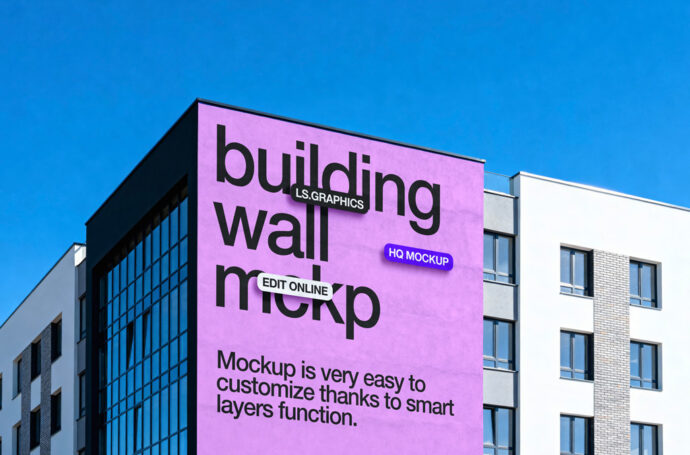
A photo-based mockup of a building wall, showing advertisement or art. Simple-to-use PSD file with one smart object and a fixed background layer. The dimensions are 6000 x 4500 px.
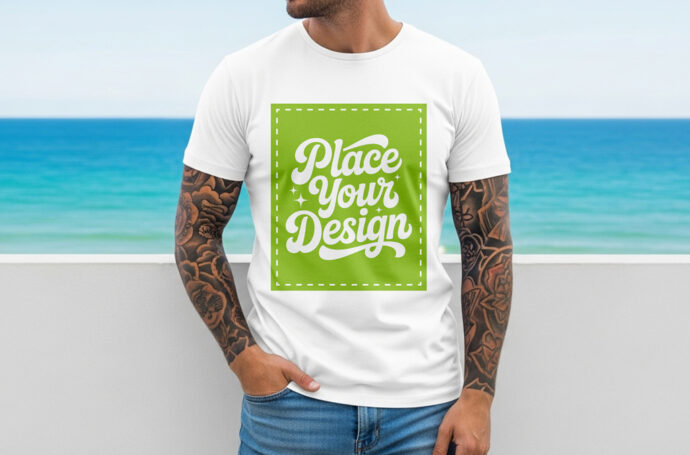
A photo-based mockup of a tattooed man wearing a white t-shirt while standing in front of a beachfront wall. Just drag a drop yor own shirt design into the PSD…
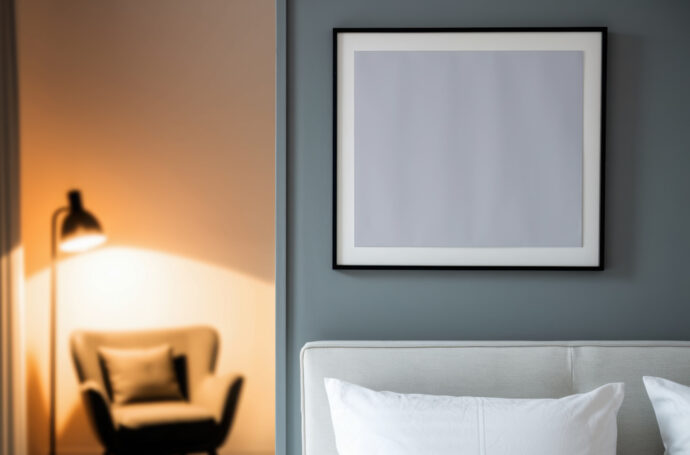
An AI-generated picture frame mockup showing a square frame hanging above a bed. Simple-PSD file with a single smart layer – simply drag and drop your own art or design.
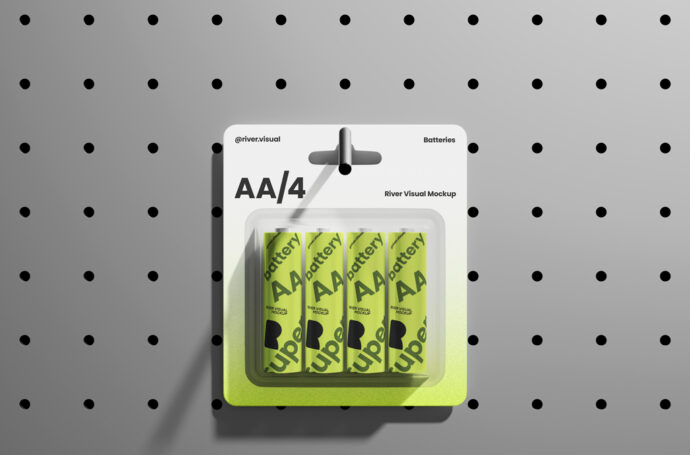
A rendered mockup of an AA battery pack hanging on a shelf wall. Completely organized PSD file with several smart objects that let you customize the package and battery branding.
A mockup of a black-framed poster hanging on a dark, metallic wall. Simple PSD file with a single smart layer for adding your own poster designs. The dimensions are 3680…
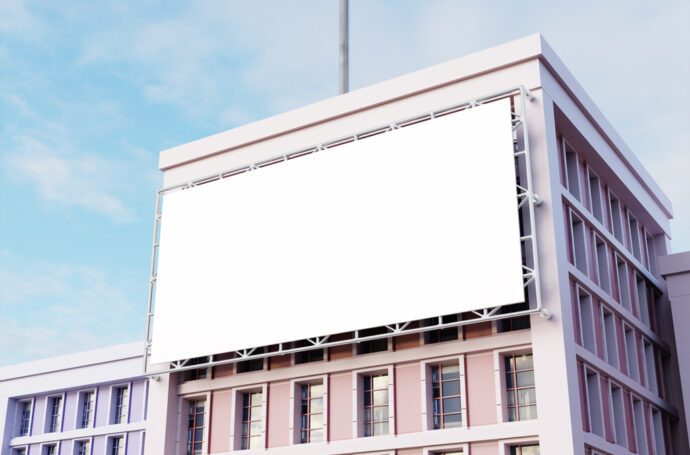
A rendered mockup of a huge billboard mounted to a building facade. Layered PSD file with color and smart layers that let you customize the overall look. The dimensions are…
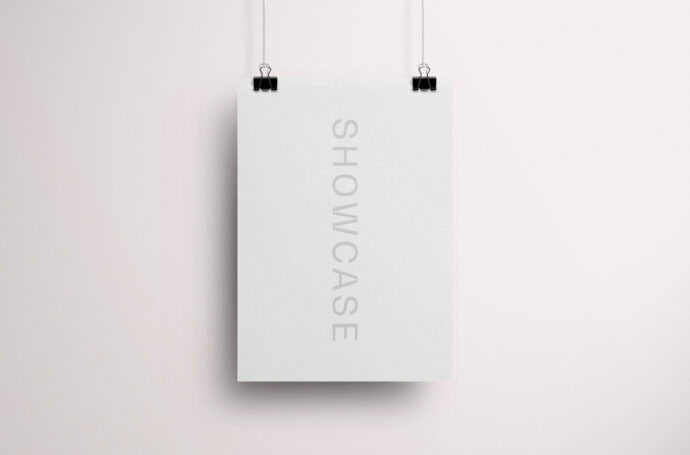
A poster mockup showing a vertical A3 poster hanging on two paper clips on a wall. Simply use the PSD file’s smart object to drag and drop your own artwork…